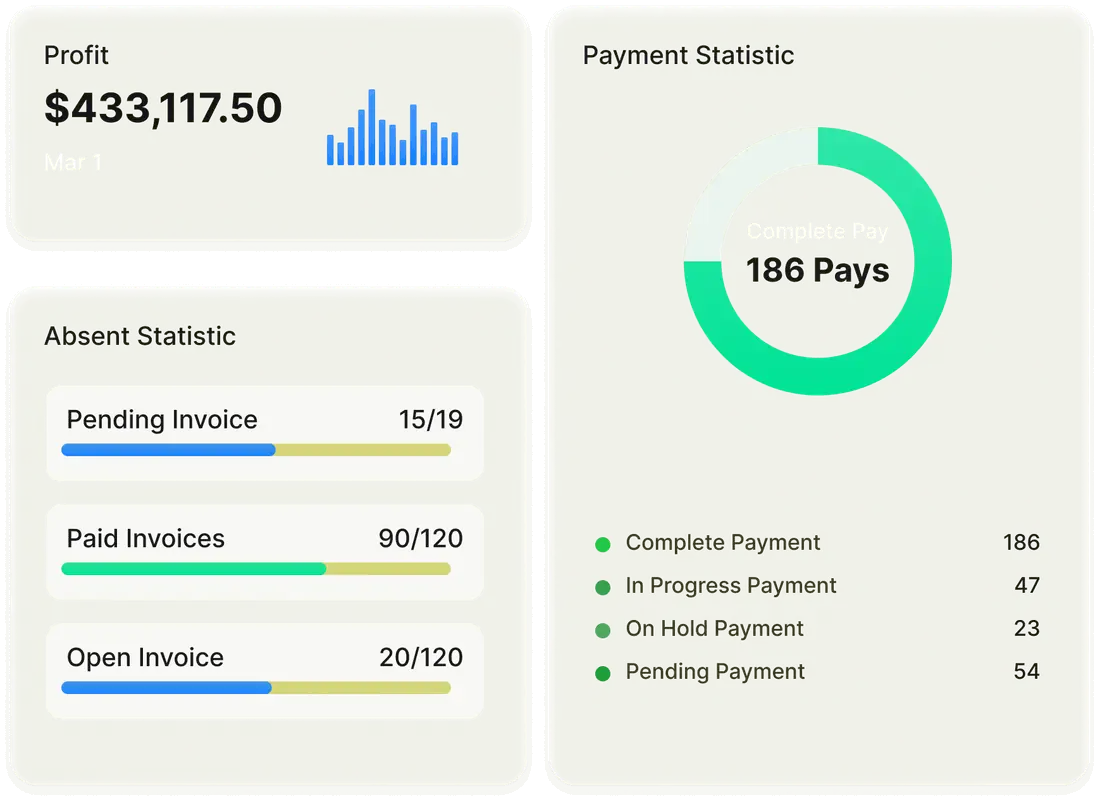




Let Customers Buy, Renew and Pay on Their Own
Customers buy licenses, change seats, plan renewals and pay invoices in C3, within the limits you set, so routine requests stop reaching your team.


Trusted by Microsoft CSP partners worldwide


Core benefits
Hand routine requests to your customers
Every seat change, upgrade and payment handled by customers, governed by the partner’s own rules.

Put your team on growth work
Customers handle everyday changes themselves. The team’s time goes to new accounts and bigger deals.

Get paid faster
Customers settle invoices the moment they arrive. Cash flow becomes steady and predictable.

Keep customers longer
Answers and changes are available at any hour. A smoother experience leads to more renewals.

Grow revenue from existing customers
An always-open store makes upgrades and add-ons easy to buy. Sales grow without extra selling effort.
Key features
How customers handle it on their own
Every purchase, change and payment is self-service, within the partner’s rules.
Step 01 · When a customer needs more licenses
Let customers buy and change seats
Customers browse your catalog, add items to the cart and update quantities without leaving the shop page. Add-ons are checked against their base product, a countdown shows how long the cancellation window stays open, and an optional PO number carries through to the invoice.
- Self-service shop and cart
- Add-on prerequisite validation
- Cancellation window timer
Customer shopContoso Ltd · self-serviceIn cart1Microsoft 365 Business Premium
+10seats
PO 4471 added
Teams Phone StandardAdd-on · base license foundValidDynamics 365 Business CentralQuantity 25 → 30UpdatedCancellation window4 days left to reduce Microsoft 365 E3
- After that, reductions are scheduled for renewal
Step 02 · When a change goes past your limits
Approve only what crosses your limits
Seat limits set at plan level and transaction limits per customer decide which orders go straight through and which wait for your approval. Limit messages appear in the store, cart and approval screens, and upgrades follow a guided path with eligibility checks.
- Plan-level seat limits
- Transaction limits
- Guided upgrades
Order checkContoso Ltd · your limitsMicrosoft 365 Business Premium
+60seats
50plan limit is 50+60 seats
Microsoft 365 E3 → E5Guided upgrade · eligibleEligibleMicrosoft 365 Business Premium+60 seats · plan limit is 50ApprovalApproval1 order waiting for your approval
- Cart
- Limits
- Approval Required
- Microsoft
Step 03 · Before a subscription renews
Let customers plan their renewals
In Manage Renewal, customers schedule license, term, billing frequency and SKU changes for the renewal date. Customer Admin Lite users can change quantities only, and expiration notifications cover monthly, annual and triennial terms with flexible timing.
- Manage Renewal
- Customer Admin Lite
- Expiration notifications
Manage RenewalContoso Ltd · next 30 daysMicrosoft 365 E3 · Renews 14 Nov
120 →110seats
Renews 14 Nov · reduce to 110
Teams Essentials · 40 seatsMonthly to annual at renewalScheduledDynamics 365 Business CentralExpiration notice sentNotifiedCustomer admin liteQuantity changes only
- Term, billing and SKU changes stay with full admins
Step 04 · When an invoice is due
Let customers pay invoices online
Customers start invoice payments from the portal by card through Stripe or Authorize.Net, or by Stripe ACH direct debit. Unpaid and partially paid dues show on invoices and PDFs, and a configurable processing fee can be added to portal payments.
- Customer-initiated payments Add-on
- Invoice dues summary
- Processing fees
InvoicesContoso Ltd · portal- INV-20431$3,480.00
- INV-20388$1,920.00
- INV-20211$2,760.00
INV-20431 · $3,480.00Due 30 Oct · card via StripePaidINV-20388 · $1,920.00Partially paid · $640.00 duePart paidINV-20211 · $2,760.00Paid by ACH direct debitPaidProcessing fee2.5% card fee added at payment
- Shown on the invoice and PDF
Step 05 · When customers have a license question
Give customers their own license answers
Customer users open the License Change Report, with renewal and expiration details, and export which users hold which licenses by email. Custom dashboard tiles put your own links and guidance in front of each customer.
- License Change Report
- User license export
- Custom dashboard tiles
License answersContoso Ltd · customer viewLicenses
License Change ReportIncludes renewal and expiration detailsUser license exportAssignments sent by emailSentRequest a new userCustom tile · links to your help deskTile
Case studies
How CSP partners give customers self-service on C3


We implemented C3 over a year ago and it was easy to set up with help from the team. Our customers love the self-service access to manage their own subscriptions, which is a huge time saver for us, and C3's support is fast and always accurate.”


We have used C3 for nearly a year now and couldn't imagine doing without it. True to the on-demand principle of the CSP model, it empowers customers to manage their own Microsoft licenses and the quantities their business needs.”


In a market flooded with solutions claiming to solve complex cloud billing, none come close to the seamless experience of C3. It's user-friendly, sharing access with customers is straightforward, and the team is attentive and responsive, streamlining our daily operations.”
What can wehelp you find?
What CSP partners ask about letting customers serve themselves in C3.
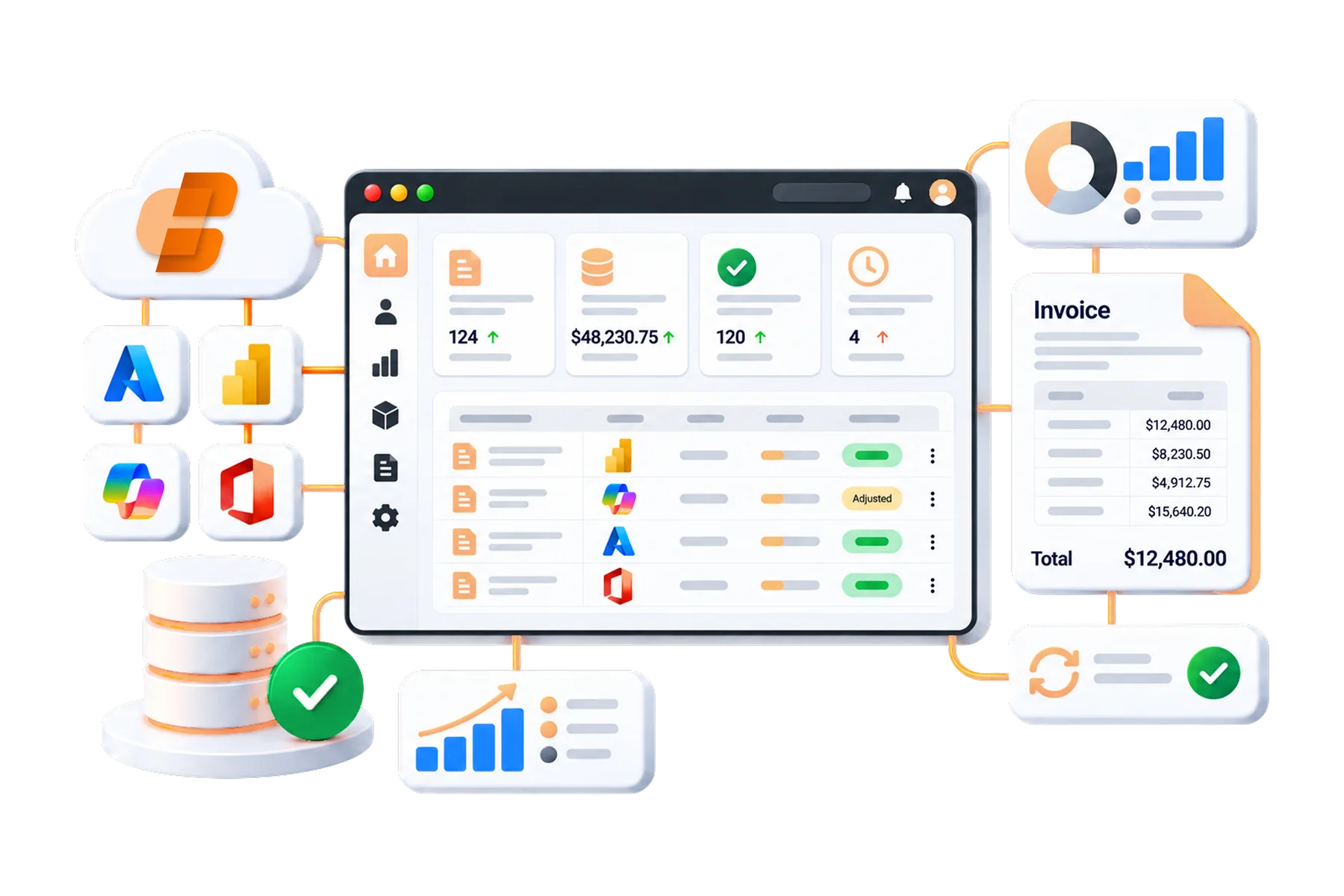
What can customers do themselves in C3?
Customers can buy from your catalog, change seat counts, run guided upgrades, schedule changes for renewal, pay invoices and download license reports, all within the limits and approvals you set.
Can I control what customers are allowed to change?
Yes. Seat limits at plan level and transaction limits per customer decide which orders need your approval. The Customer Admin Lite role limits renewal changes to quantities, and you can hide the Portal Users menu for customer entities.
Can customers reduce seats after the cancellation window closes?
C3 shows a countdown while the cancellation window is open. After it closes, customers can schedule a quantity reduction for the renewal date in Manage Renewal instead of changing it immediately.
How do customers pay invoices online?
Customers start payments from the portal through Stripe (card or ACH direct debit) or Authorize.Net. You can add a percentage processing fee, which appears on the invoice and PDF. Payment gateway integration is a premium add-on.
Are customers reminded before a subscription expires?
Yes. Expiration notifications cover monthly, annual and triennial terms with flexible timing, and the Partner Offer Renewal Manager collects customer consent for partner offer renewals.
Can customers see which users hold which licenses?
Yes. Customer users can open the License Change Report, which includes renewal and expiration details, and export user license assignments by email, so they answer license questions without contacting you.
Turn Routine Customer Requests Into Self-Service
See customers buy, change seats, plan renewals and pay invoices in C3, with the limits and approvals you keep.