





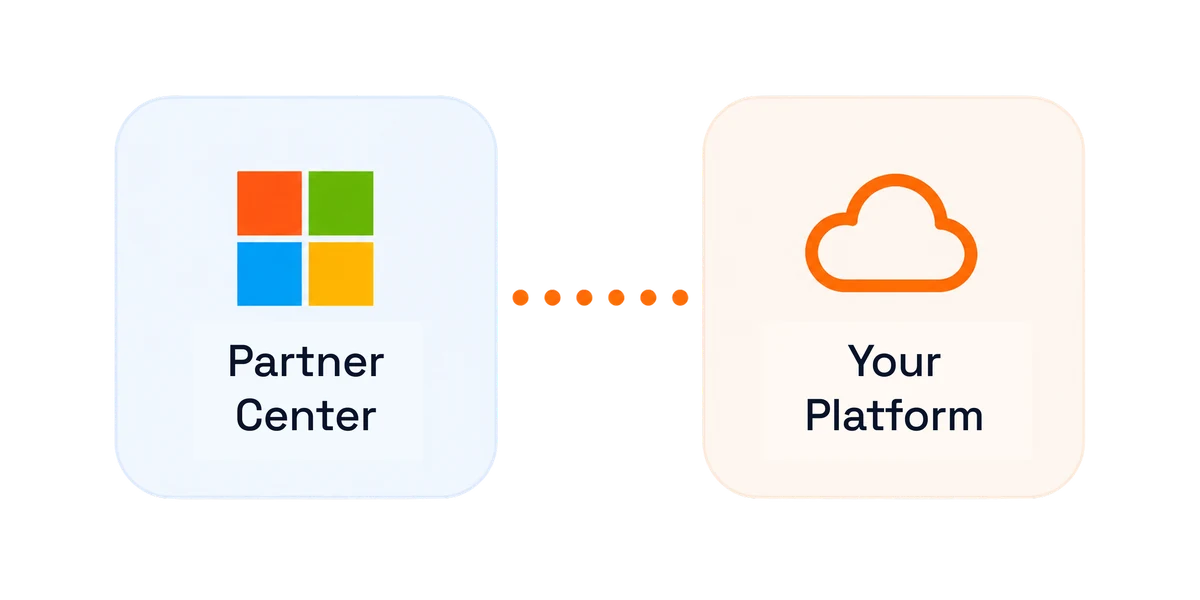
Partner Center API sync
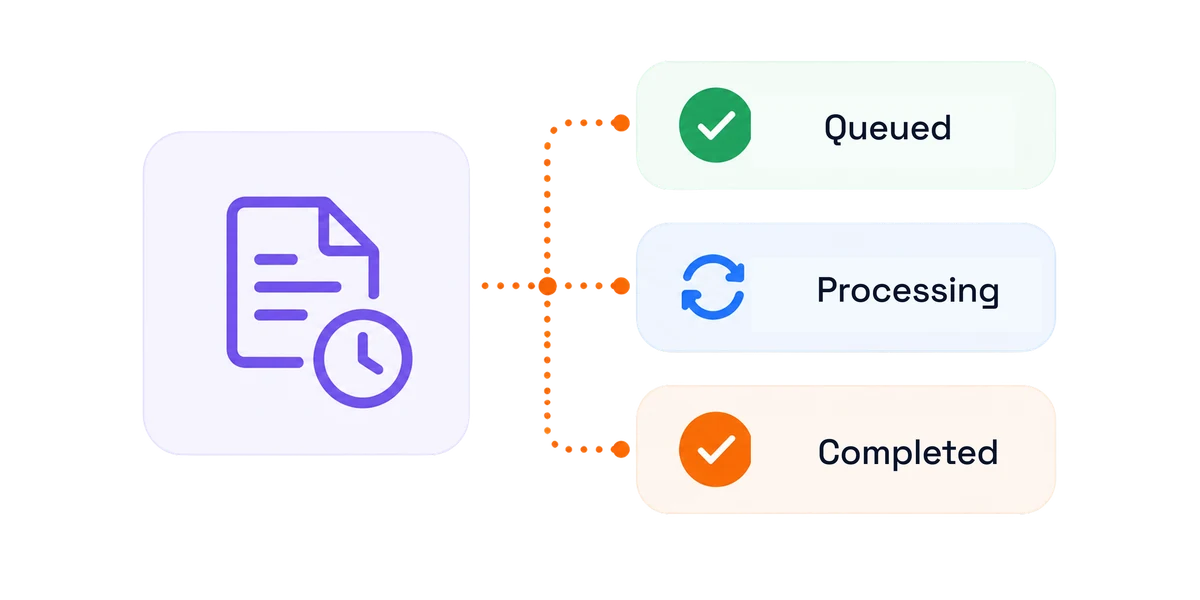
Offers and pricing sync straight from Partner Center, no manual CSV imports. New Microsoft SKUs push out to every plan in a single action, with live status tracking.
Accurate, itemized invoices for licenses, Azure, and custom offers, generated automatically every cycle with tax, currency, and margin built in.




Offers and pricing sync straight from Partner Center, no manual CSV imports. New Microsoft SKUs push out to every plan in a single action, with live status tracking.
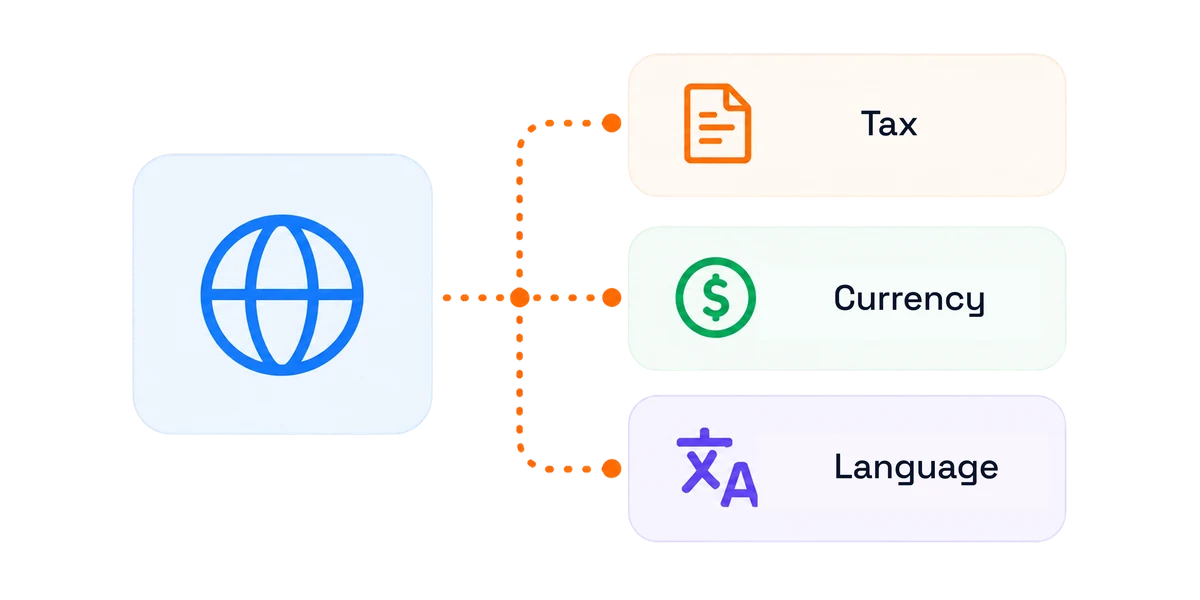
Tax rules, local currency and invoice language all live inside the billing engine. Define rules by country, state or province, ZIP and tax code, covering VAT and GST.
Microsoft's asynchronous API keeps reconciliation fast across large customer bases. Reconciliation reports exclude inactive and transferred subscriptions.
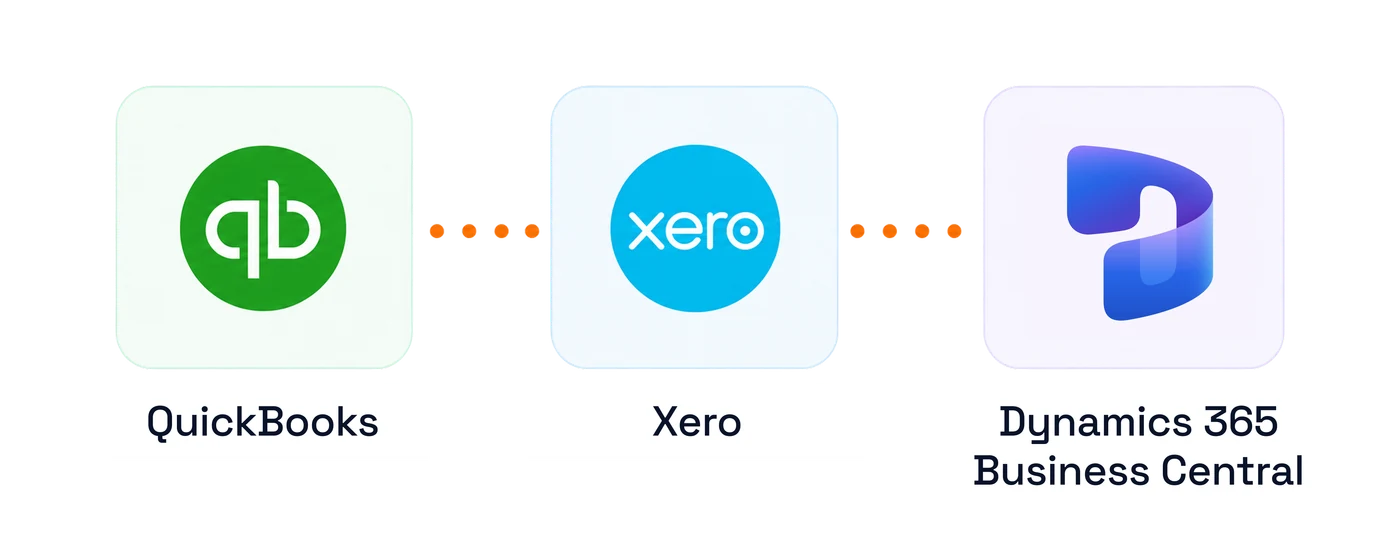
Customer and billing data sync to QuickBooks, Xero and Dynamics 365 Business Central. PSA and payment integrations cover ConnectWise, Autotask and Stripe.
Billing automation
Invoicing, billing calendars, proration and margin — the whole monthly close, handled in one platform.
One invoice covers license subscriptions, Azure consumption, reservations, software, perpetual products, third-party subscriptions, one-time charges, and your own offers. Every invoice line traces back to its underlying subscription, making charges transparent and easy to validate. Support category-wise invoicing, PO numbers, and clearly labelled lines for new purchases, quantity changes, renewals, and recurring billing cycles.
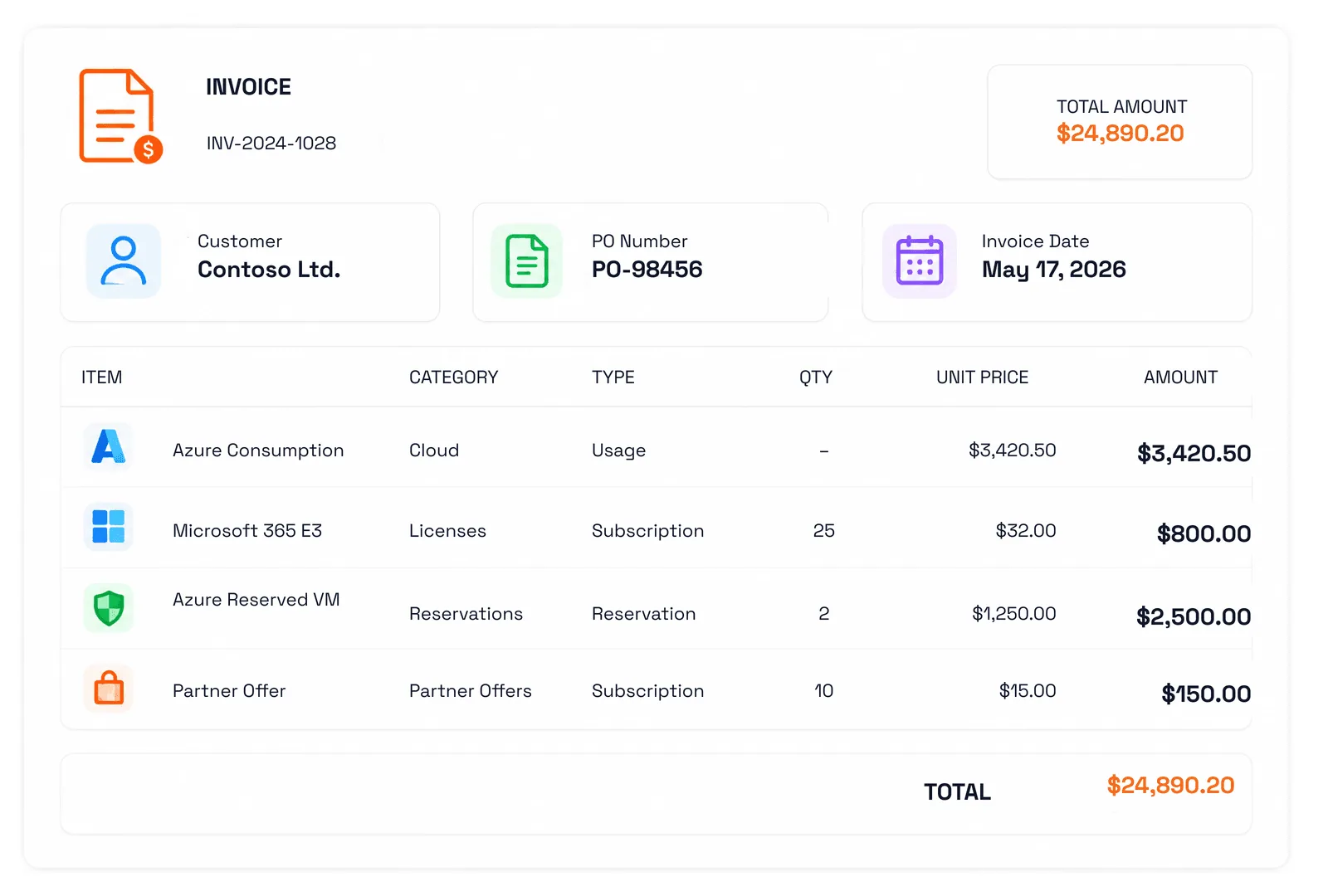
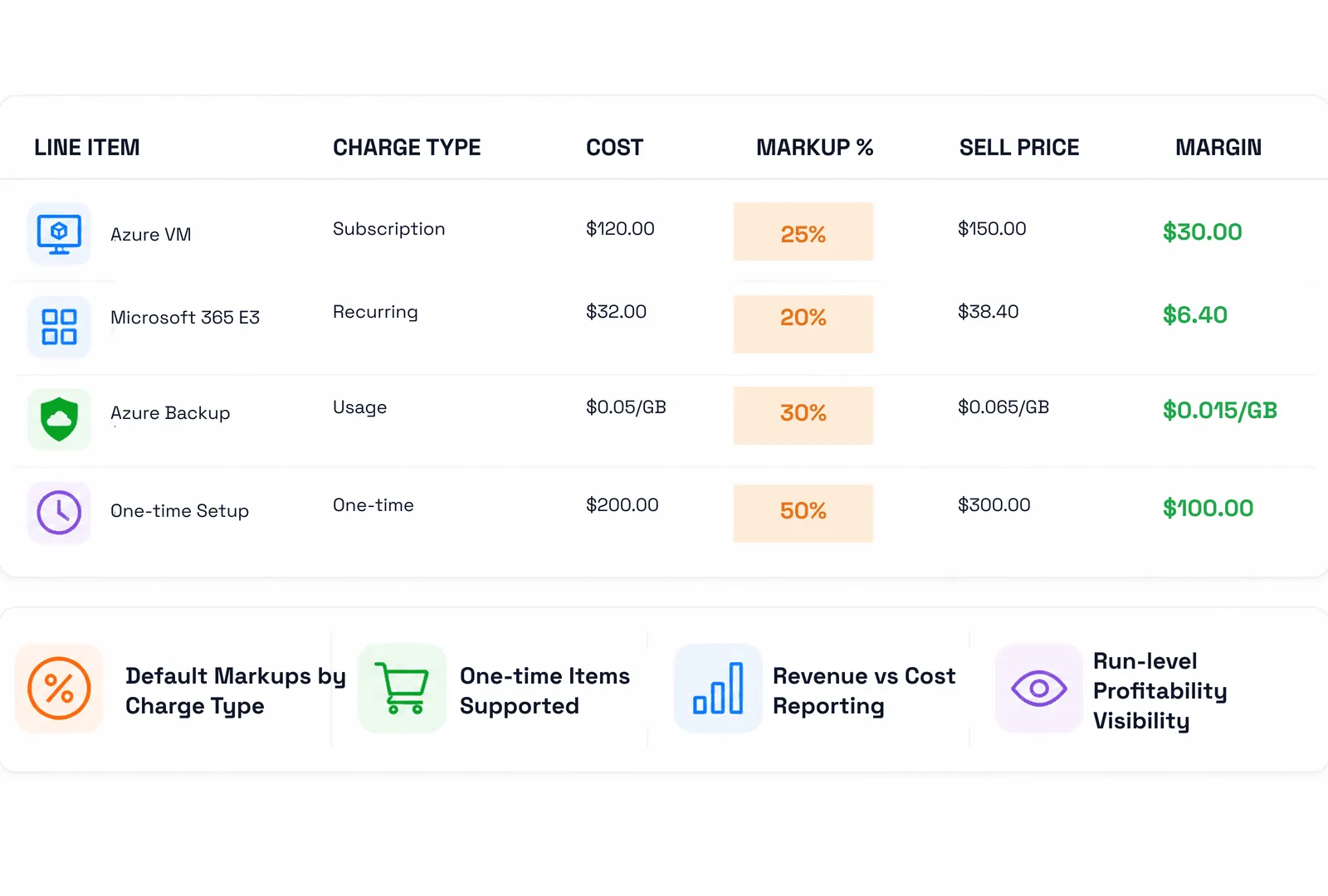
Control when invoices are generated, when customers can view them, and when they are finalized and locked. Once finalized, billing figures are protected from accidental changes, providing finance teams with a clean and auditable close. Override Microsoft Partner Center billing cycles with custom schedules, while upfront NCE invoicing generates the complete term invoice when the order is placed.
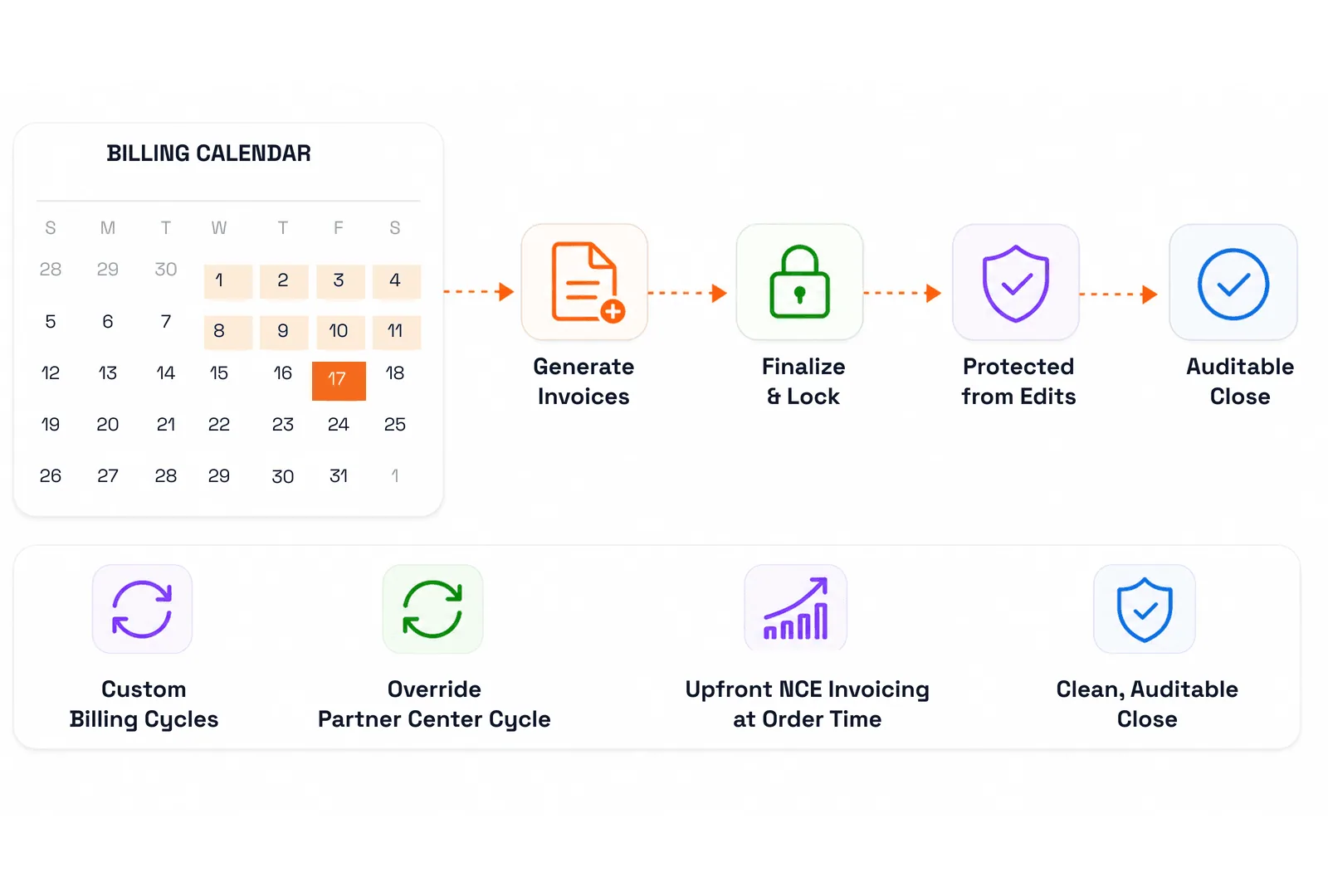
Automatically prorate mid-cycle seat additions, reductions, upgrades, and cancellations based on Microsoft's calculations. C3 also supports coterminosity, allowing subscription end dates to align with the calendar month or an existing subscription. This helps consolidate renewals, simplify billing administration, and provide customers with a more predictable billing experience instead of multiple invoices across different renewal dates.
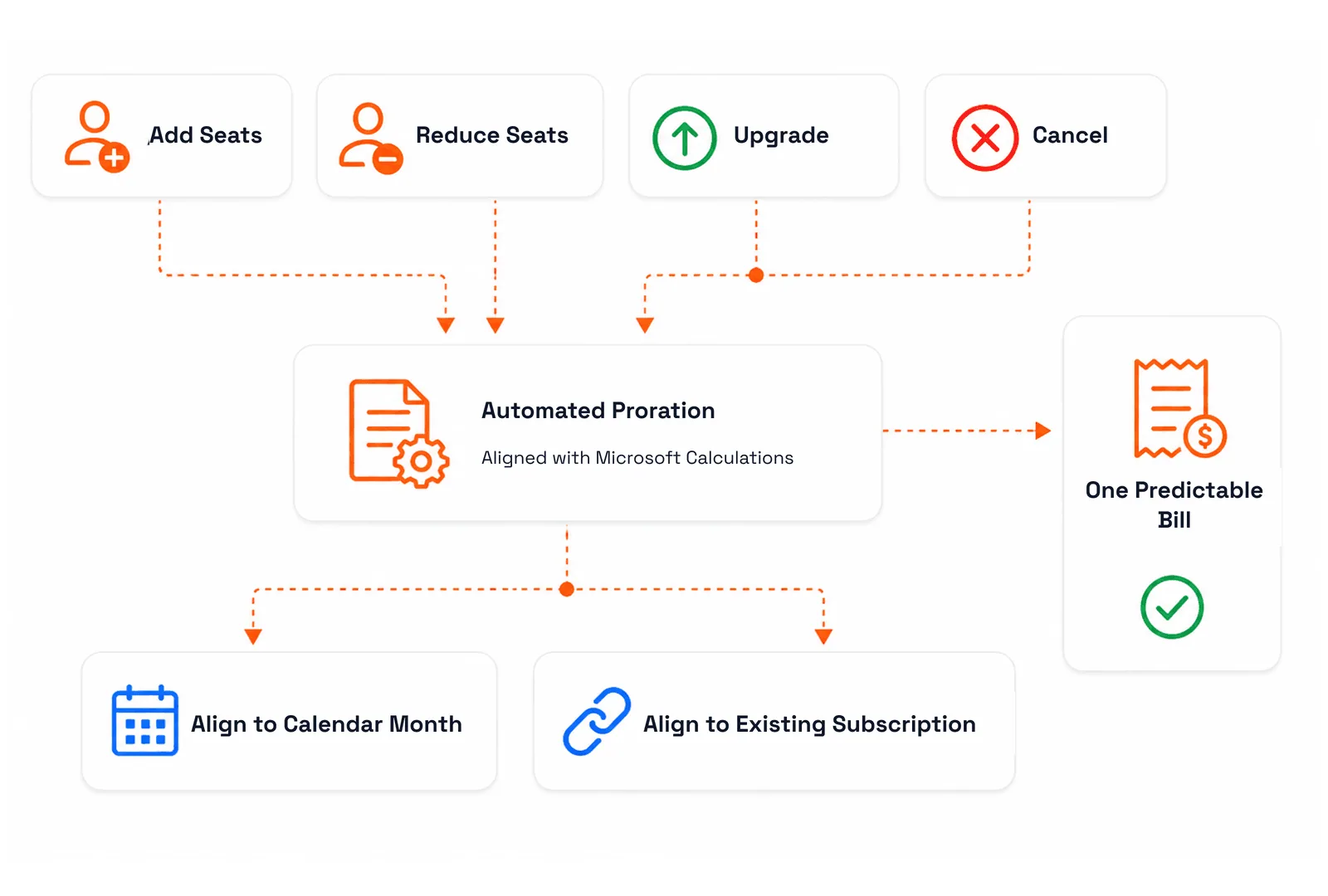
Define default markups by charge type, including one-time items, Azure reservations, software subscriptions, third-party subscriptions, and perpetual products. C3 automatically applies your configured margins without requiring manual calculations for every invoice. Revenue-versus-cost reporting provides finance teams with clear visibility into profitability across customers, products, subscriptions, and individual billing runs, helping protect margins and identify opportunities for optimization.
Multi-market billing
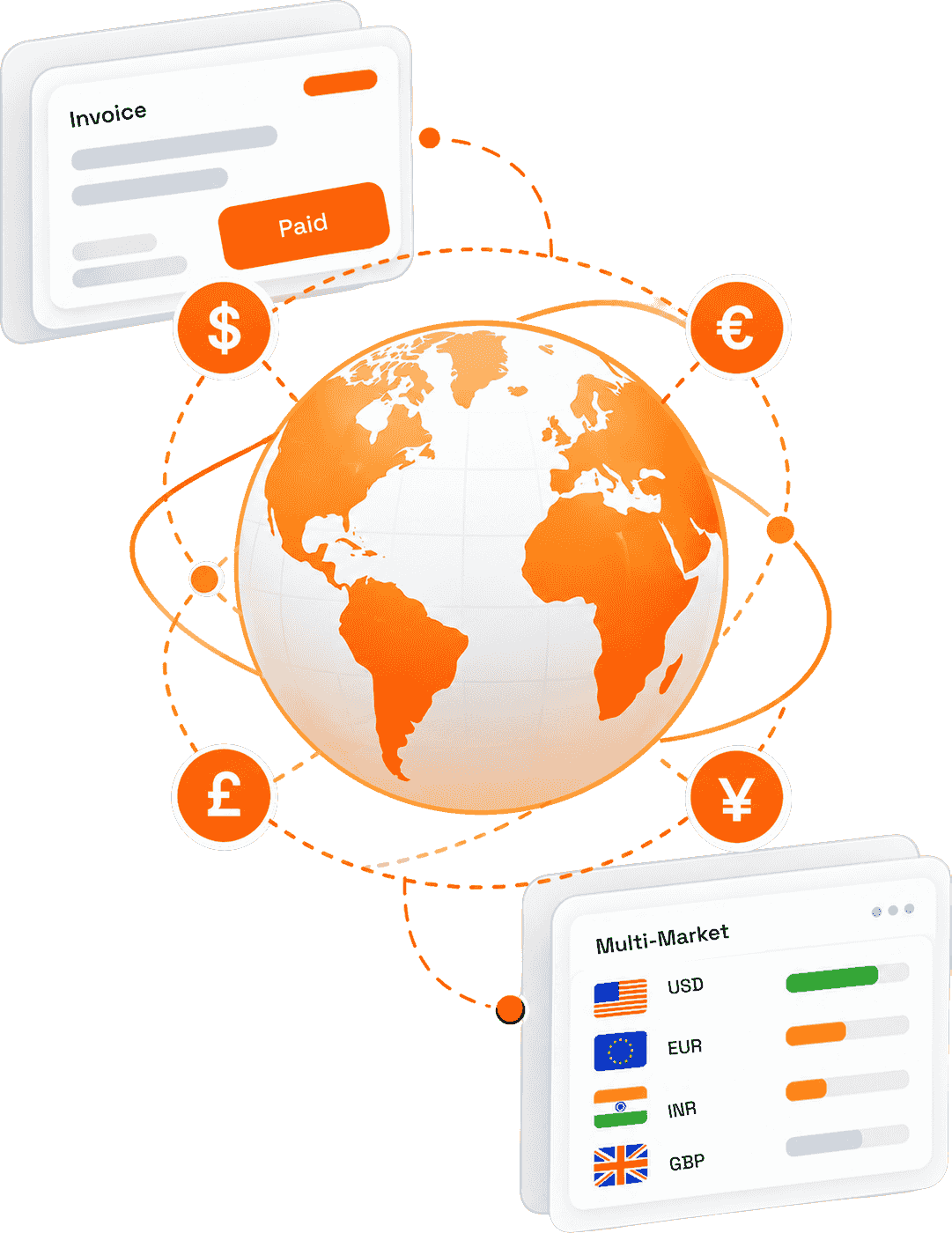
Selling across regions should not mean a spreadsheet per country. Tax and currency live inside the billing engine.
Define tax rules by location, tax code, site, and department—including VAT, GST, and cumulative taxes.
Bill customers in their currency while billing Microsoft in yours, with custom rates.
Multilingual invoice PDFs with customer-specific payment details and outstanding balances.
One-off charges, credits, coupons, and advance payments with automatic adjustments.
Outcomes
Operational, financial and productivity impact across the monthly close.
| Monthly close | Manual / spreadsheet process | With CSP Control Center |
|---|---|---|
| Reconciliation | Days of Partner Center exports and manual matching | Automated daily sync and reconciliation reporting |
| Proration | Calculated by hand, frequently disputed | Calculated against Microsoft's own logic |
| Markup | Applied inconsistently, per invoice | Applied by rule at line-item level |
| Finance & scale | Manual / spreadsheet process | With CSP Control Center |
|---|---|---|
| Tax & currency | Separate spreadsheet per market | Resolved inside the billing engine |
| Accounting handoff | Re-keyed into QuickBooks or Xero | Posted automatically with audit logs |
| Cost of growth | New customers require new headcount | Billing effort stays flat as you scale |
Manual process Partner Center exports, spreadsheets, re-keyed figures, and invoice lines that require constant validation. Teams spend hours reconciling data, checking pricing, correcting billing errors, and manually preparing invoices—creating operational overhead, increasing the risk of revenue leakage, and making it harder to scale your CSP business efficiently. | CSP Control Center Connect your Partner Center data and let C3 automate the billing lifecycle—from data synchronization and pricing to usage reconciliation, invoice generation, and customer billing. Eliminate manual spreadsheets, reduce errors, improve billing accuracy, and gain real-time visibility into margins and revenue while your team focuses on growth and customer success. |

Finance & Billing Manager
A predictable, auditable close
Invoices lock on a fixed date, reconciliation reports exclude inactive and transferred subscriptions, and standardized invoice line-item reports export cleanly for review.

Operations Manager
No monthly handoff
Seat changes, upgrades and cancellations flow into billing without a handoff, so operations stops feeding finance a monthly spreadsheet.

CSP Business Owner
Margin by rule, not by hand
Markup is applied consistently, and revenue-versus-cost reporting shows exactly which customers and product categories are profitable.
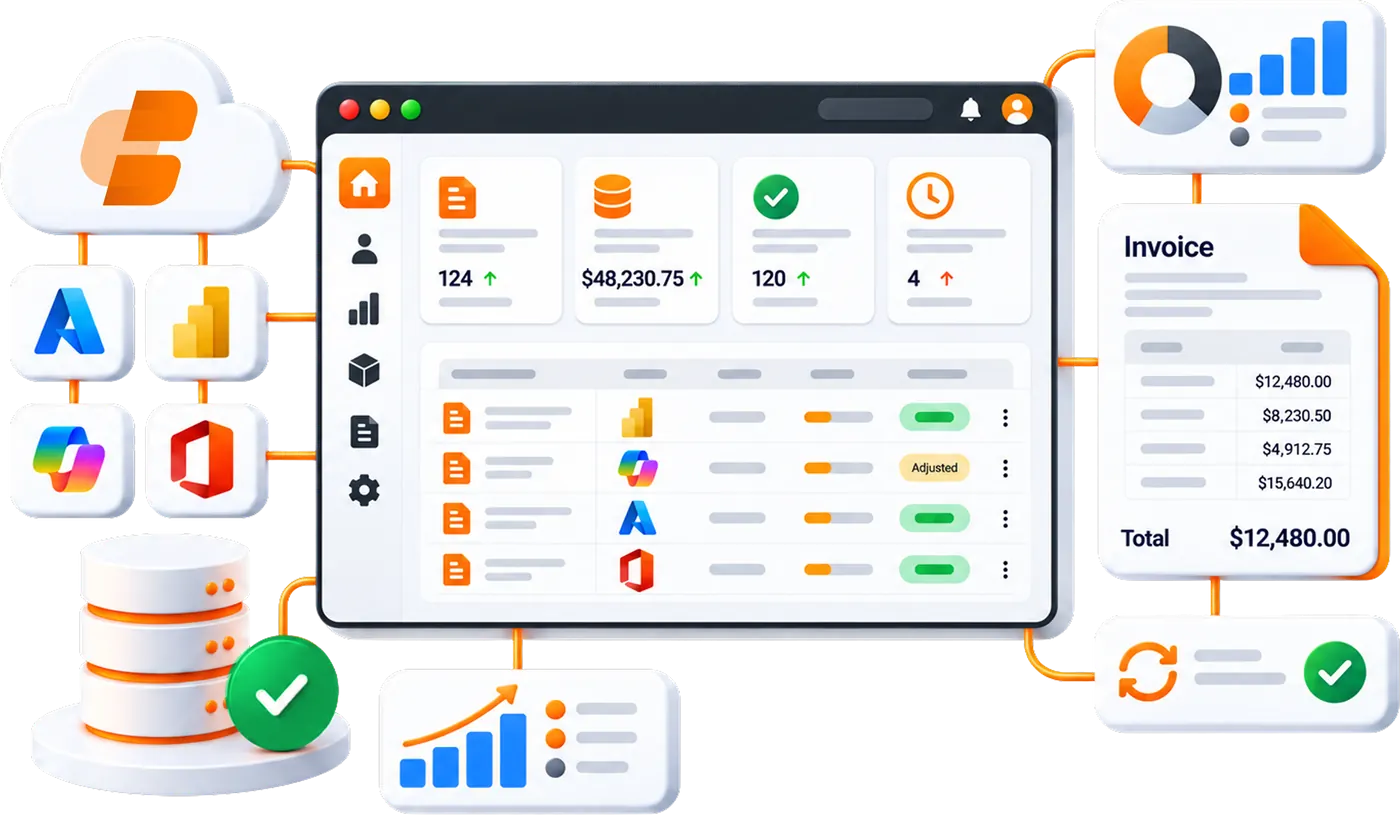
CSP billing automation is software that generates customer invoices directly from live Microsoft Partner Center subscription and usage data, applying proration, markup, tax and currency rules automatically instead of by hand. CSP Control Center performs this end to end, from data sync to invoice delivery and accounting posting.
Yes. CSP Control Center produces a single itemized invoice covering recurring licenses, Azure consumption, Azure reservations, software and perpetual products, one-time charges and your own partner offers, each with its own markup and tax treatment. Category-wise invoicing is available where separate invoices per product category are required.
Seat additions, reductions, upgrades and cancellations are prorated automatically in line with Microsoft's calculations, and appear as clearly labelled invoice line items such as new purchase, add quantity, remove quantity, renew and cycle charge.
Yes. You set the generation date, the customer visibility date, and the finalization date that locks the invoice from further edits. CSP Control Center can email the invoice PDF automatically on approval and process auto-payments where enabled.
You define tax rules by country, state or province, ZIP and tax code, including general, sub and cumulative types such as VAT and GST, down to site and department level. CSP Control Center applies the correct rule automatically at invoice generation.
Yes. Set per-customer conversion rates with effective dates so customers are invoiced locally while you continue transacting with Microsoft in your own currency. Dual-currency invoices are supported where both figures are needed.
Yes. CSP Control Center syncs invoices with QuickBooks and Xero, posts batched invoices to Dynamics 365 Business Central, connects to ConnectWise and Autotask, and provides billing APIs for other finance systems.
Onboarding connects CSP Control Center to your Partner Center tenant and imports your existing customers, subscriptions and pricing. Book a demo and our team will scope the timeline against your customer count and billing complexity.
Automate billing, simplify subscription management, and deliver exceptional customer experiences with a platform built exclusively for Microsoft CSP partners.